EEVEE+Cycles is now called EV+C Material System

formerly
EEVEE+Cycles Material System
From the creators of KIT OPS

A System — not just a Shader Pack.
True Triplanar. Anti-tiling. Intelligent wear. Built in.
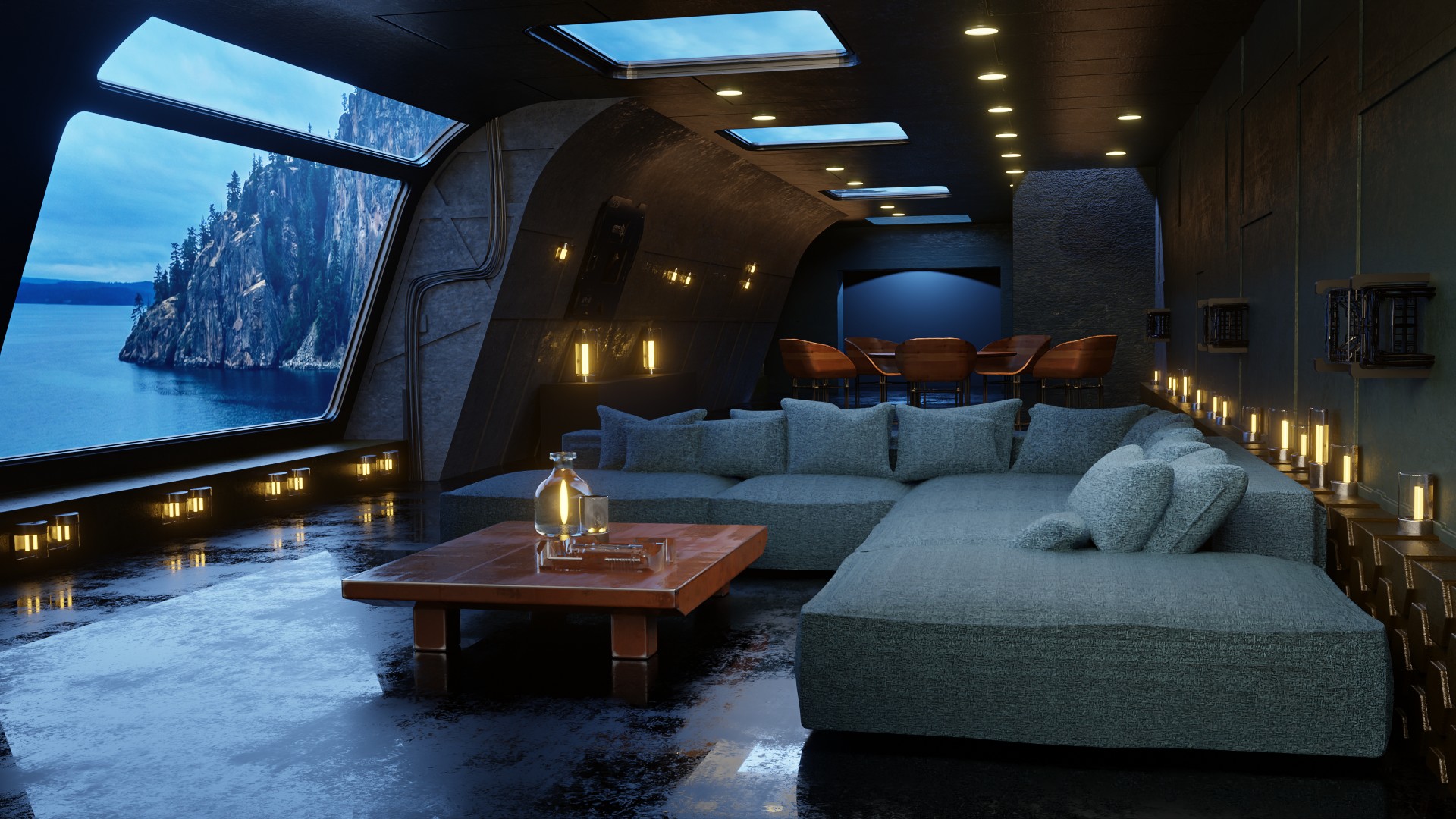
All 3D images rendered using EV+C material system in Blender
A Proven System
Upgraded for Blender 5.0
EEVEE + Cycles isn’t a new experiment.
It began over 7 years ago, has been refined continuously, and is trusted by more than 7,900 artists around the world.
Before Ultra-Mat, EEVEE+Cycles was already one of the most complete, production-ready material systems for Blender:
- 220+ curated photoreal materials
- All compatible with both EEVEE and Cycles
- No UV mapping required for most objects
- A systemized workflow for creating infinite derivative materials
- Materials stored as KIT OPS KPACKs or in the Asset Browser
- Works seamlessly with KIT OPS PRO and KIT OPS FREE
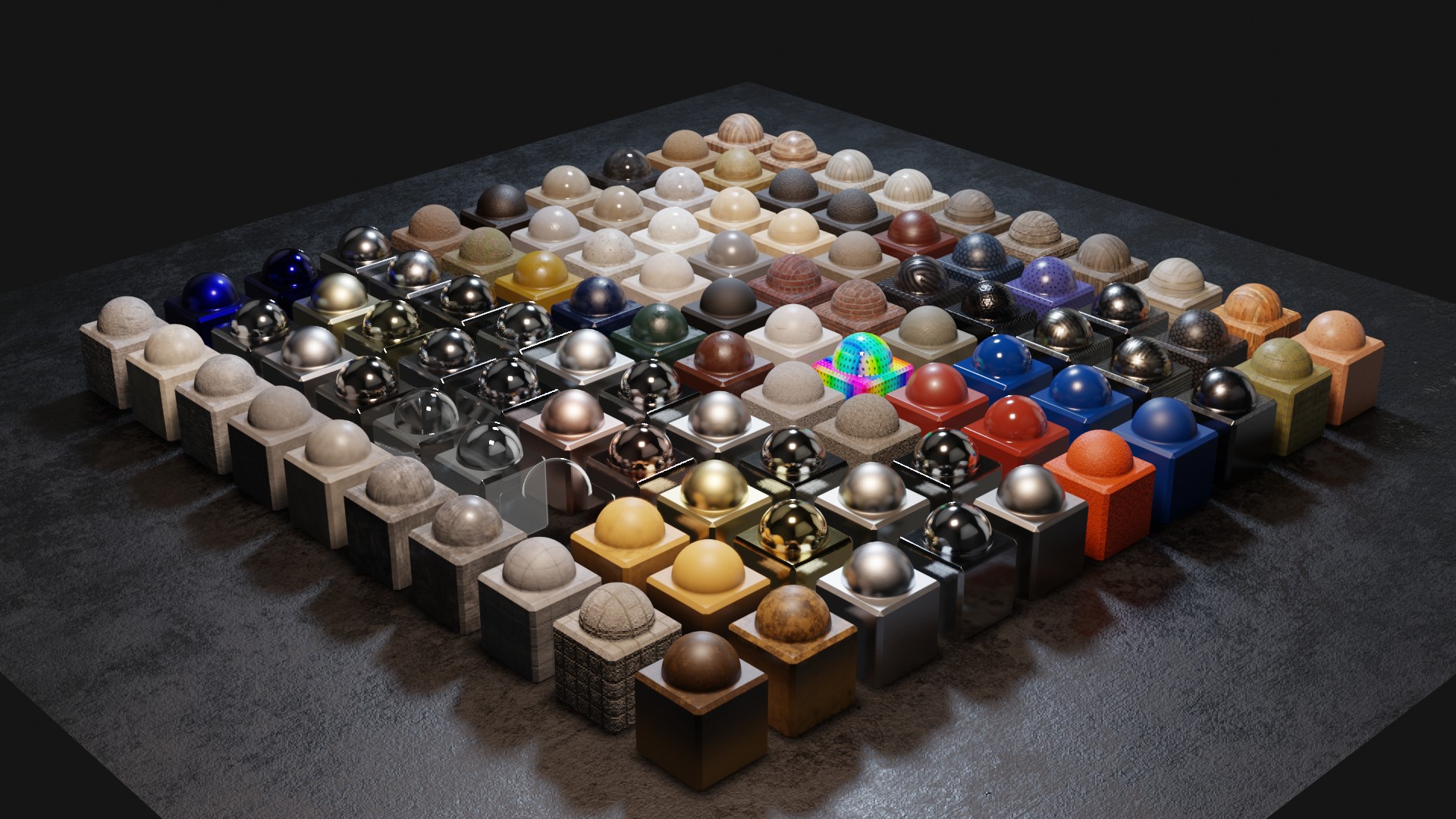
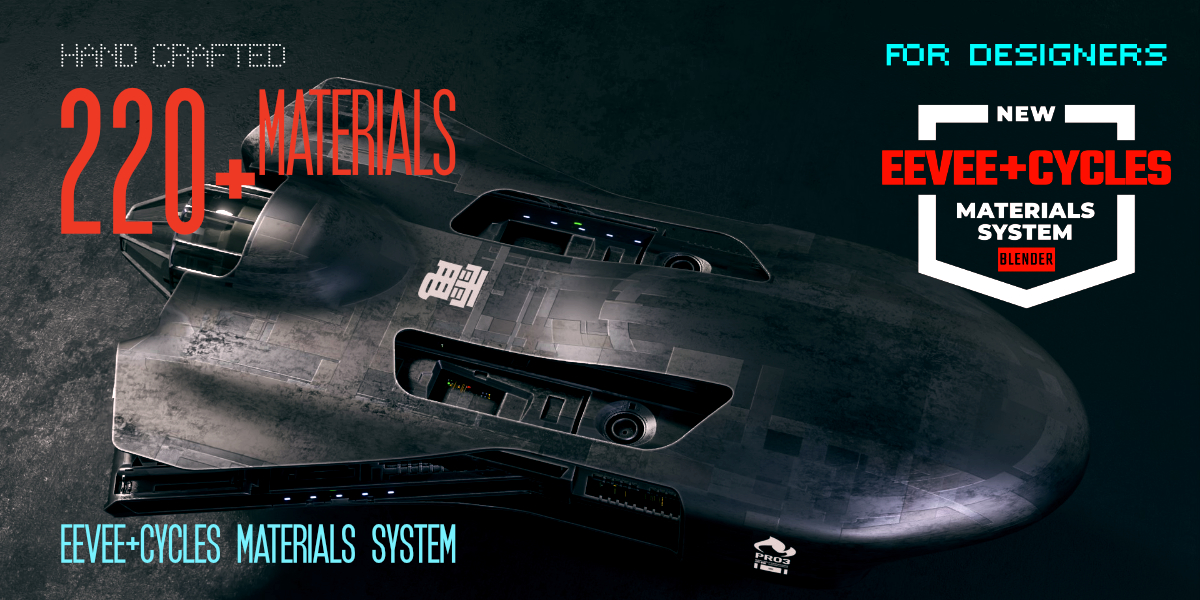
This foundation remains 100% true — and Ultra-Mat builds directly on it.
EV+C has always been more than “a shader pack.”
It’s a structured, predictable material workflow used in real production environments.
Now, with Blender 5.0 and Ultra-Mat, that system evolves again — delivering better realism, better control, and more flexibility for both PBR sets and single-image materials.
No Single Shader Fits Every Surface
EV+C Material System uses multiple material strategies instead of forcing everything through a single workflow. Curated shaders, procedural techniques, and Ultra-Mat work together to let you create materials from one image or full PBR sets — without deep shader knowledge.
With direct KIT OPS integration, the materials you create become reusable assets, not one-off results.
Not one shader. Not one trick. A flexible material system built for real production work.
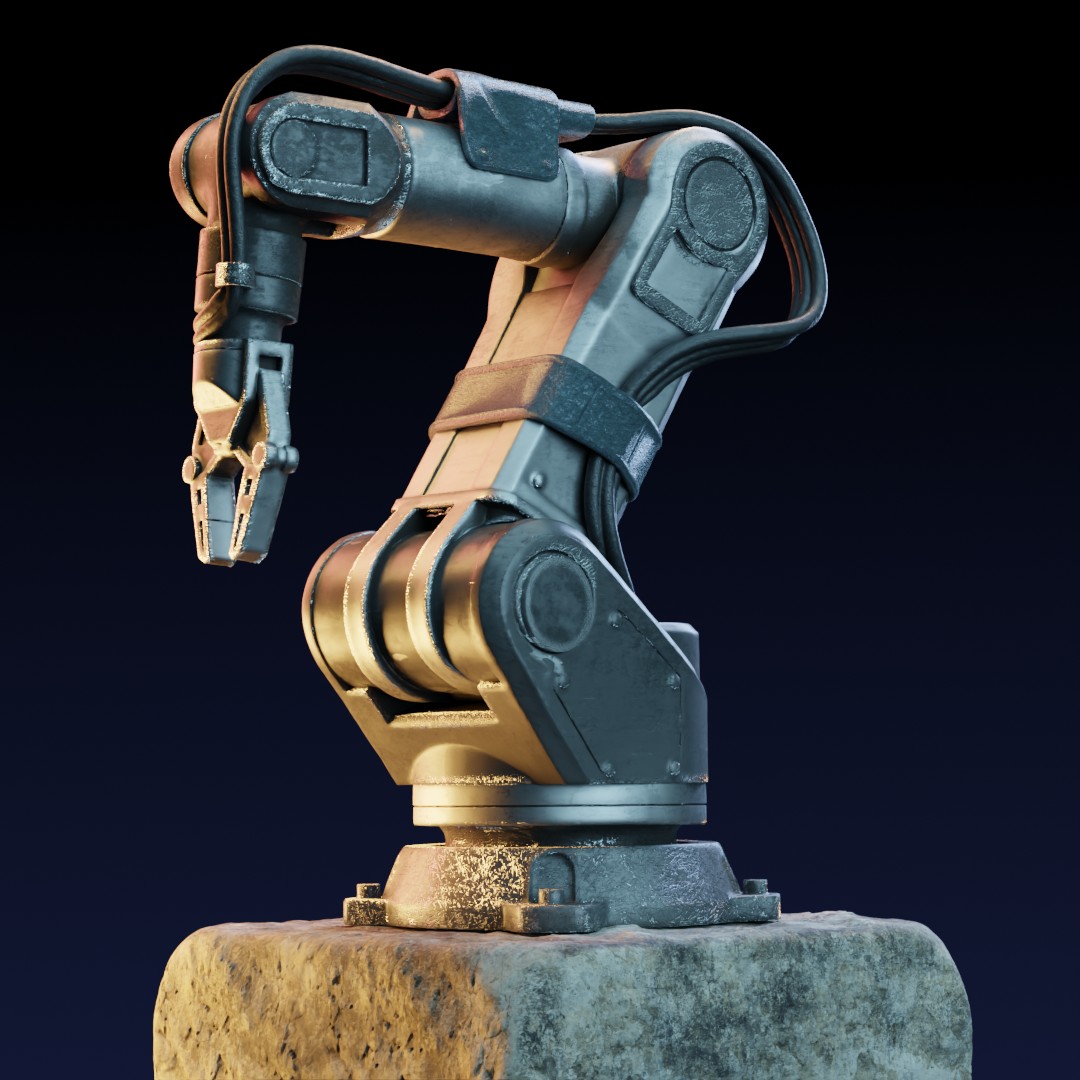
Meet Ultra-Mat — PBR Materials and Beyond
Ultra-Mat is a core workflow Material Engine inside EV+C. It takes your PBR texture maps — or even a single diffuse image — and builds production-ready materials with triplanar mapping, anti-tiling, and intelligent wear built in.
PBR That Works With Your Lighting
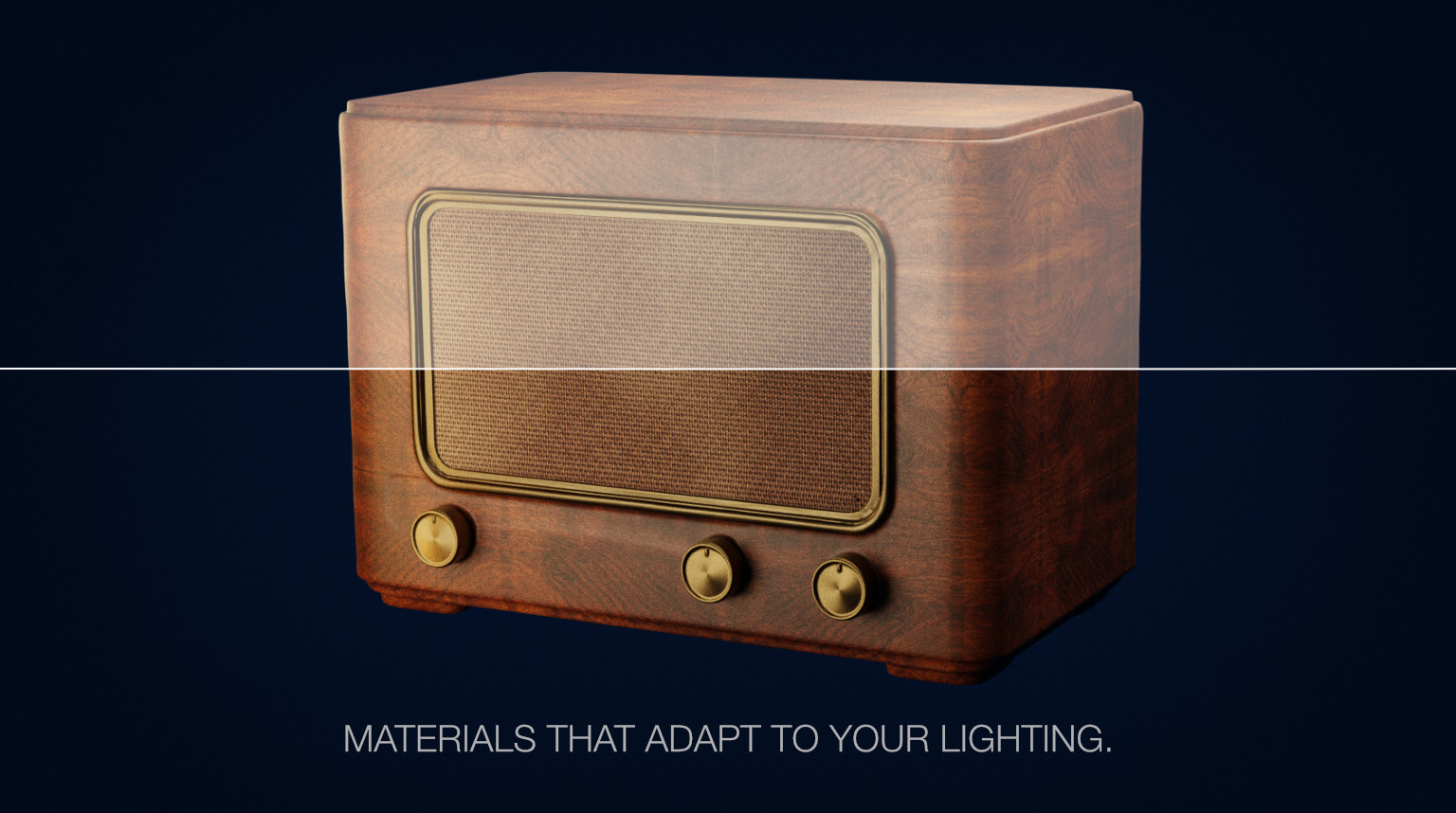
Ultra-Mat lets you adjust PBR values throughout the pipeline, so materials respond correctly to your lighting, your scale, and your scene — without breaking physical plausibility.
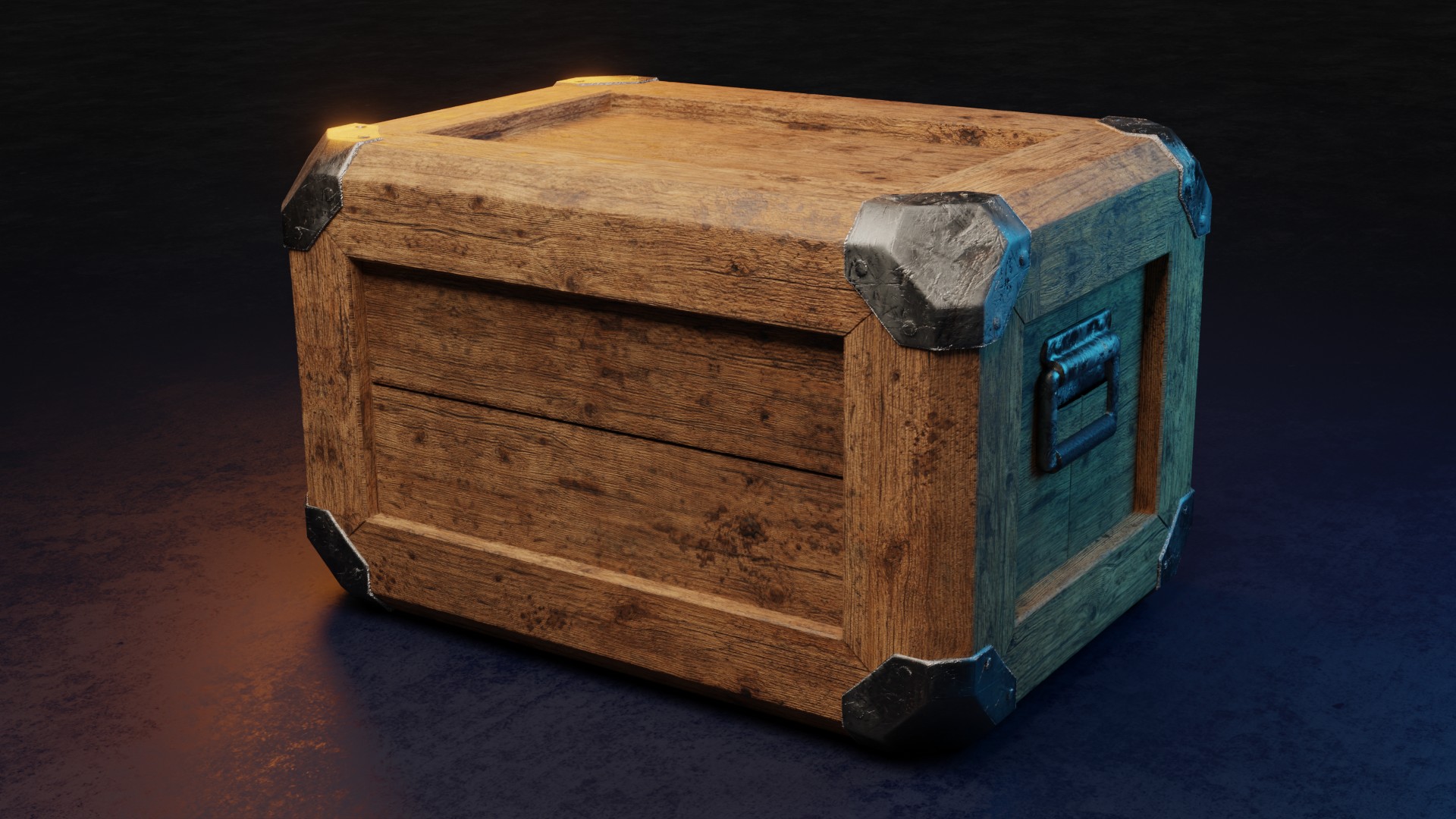
Triplanar Mapping — With Rotation Control
UV unwrapping is one of the biggest bottlenecks in material work — especially on complex or kitbashed geometry.
Ultra-Mat’s triplanar system lets you apply textures instantly, with rotation control on all axes. The grain goes where you want it, without touching a UV editor.
Skip the prep. Get to the look.
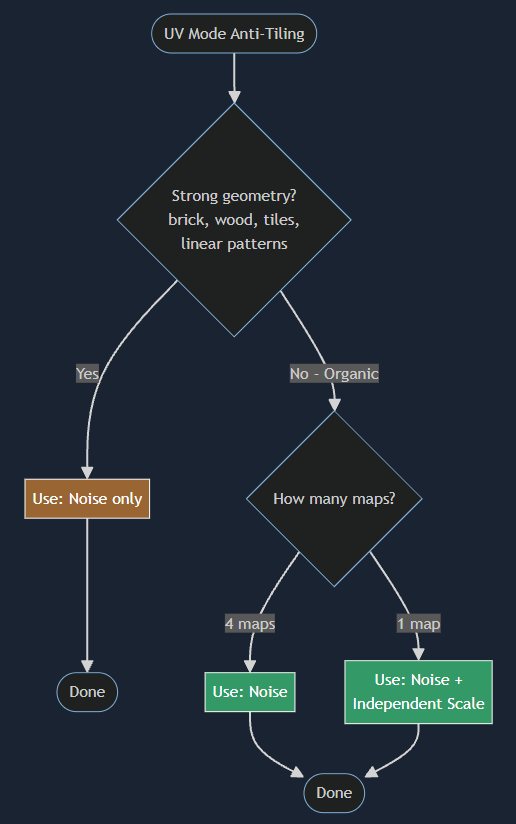
Anti-Tiling That Survives Scaling
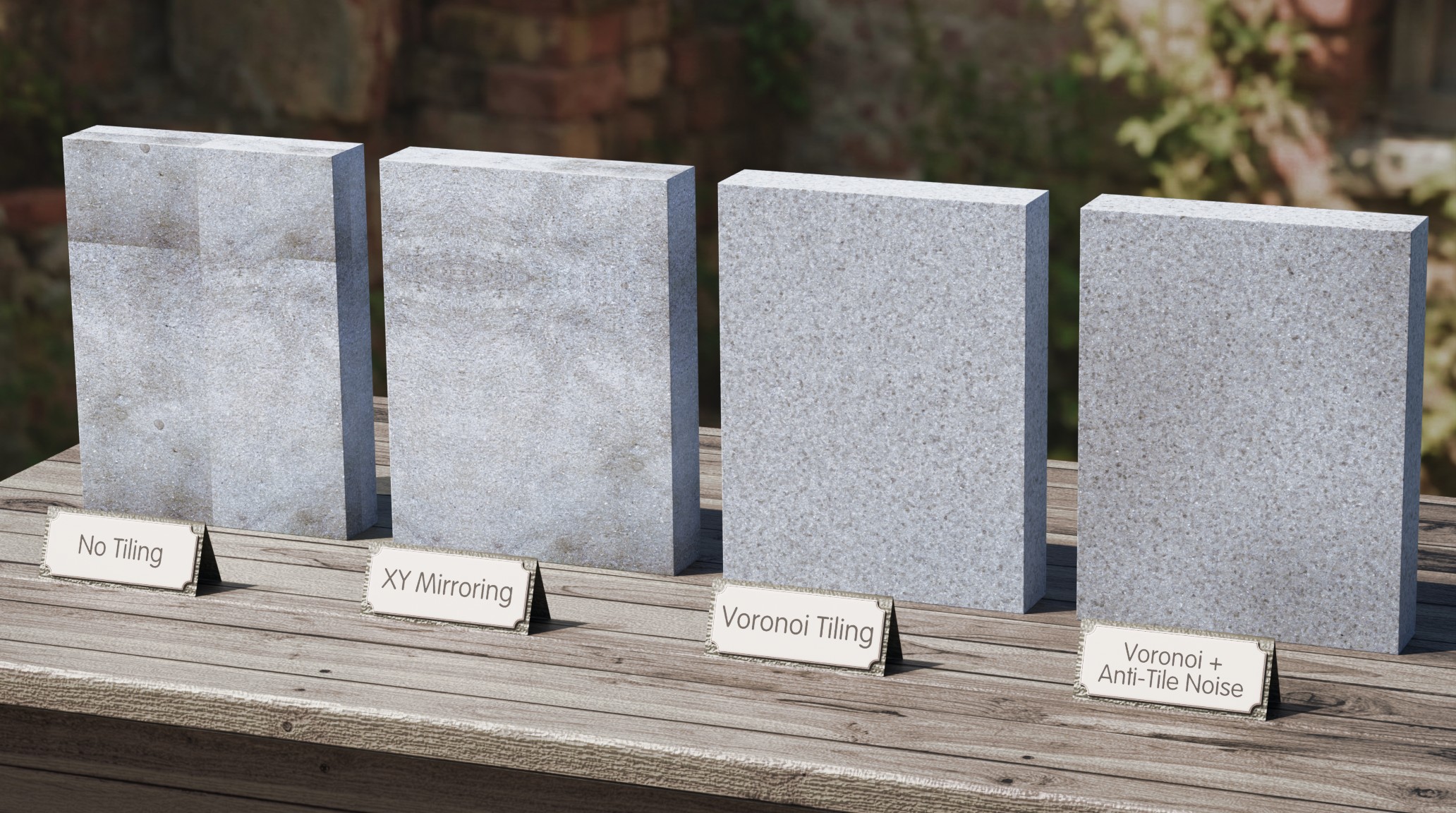
Most PBR textures look fine — until you scale them. Repeating patterns quickly break realism, especially on regular surfaces like wood floors, panels, or bricks.
Ultra-Mat includes four built-in anti-tiling techniques designed to break repetition without destroying structure, even on highly regular patterns.
The result: large surfaces that stay believable.
GPU Memory Runs Out Before Ideas Do
Traditional PBR materials need four texture maps each. In material-heavy scenes, GPU memory fills up fast.
Ultra-Mat lets one image do the job of four — so you can use more materials before hitting limits.
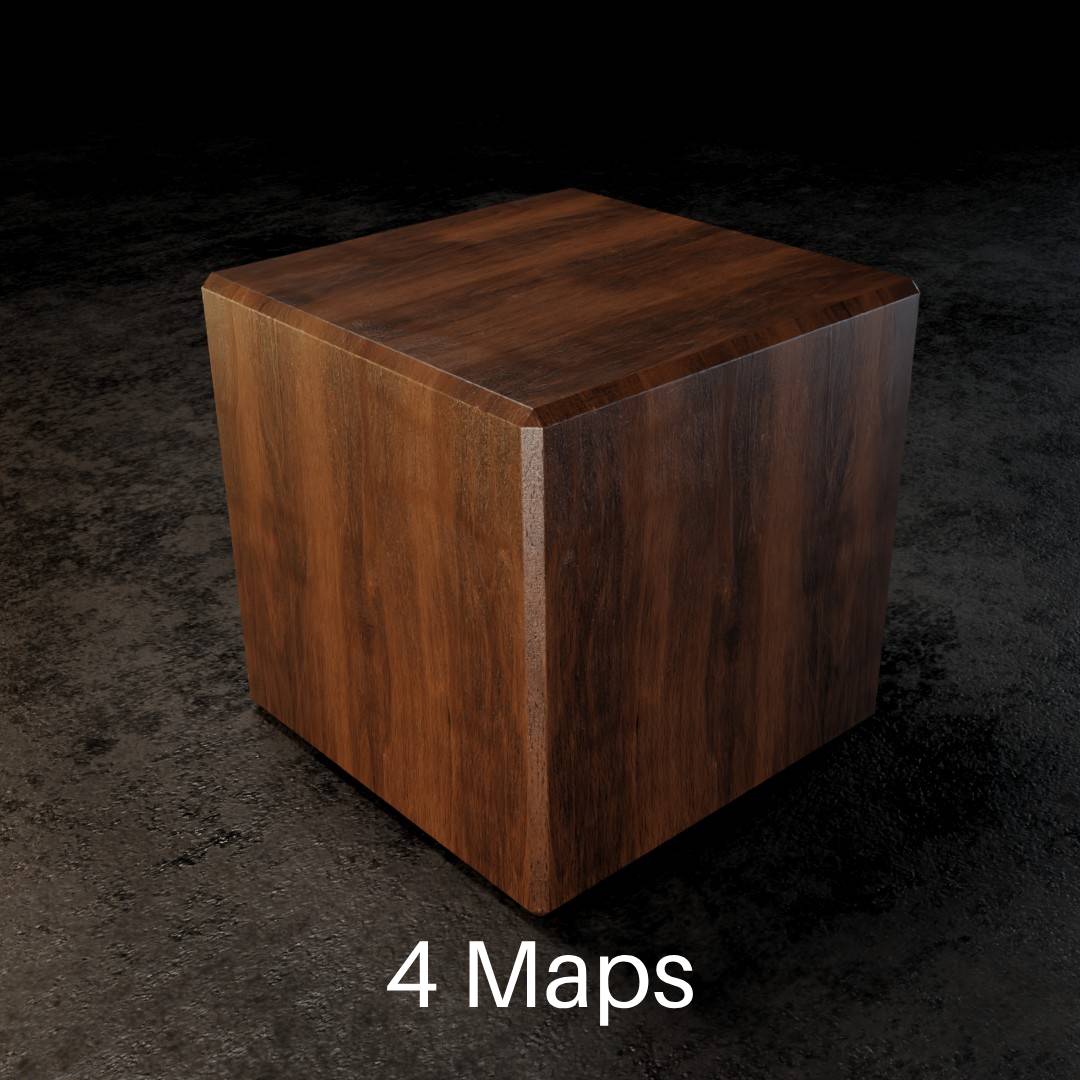
Same Visual Result. One Quarter the Textures.
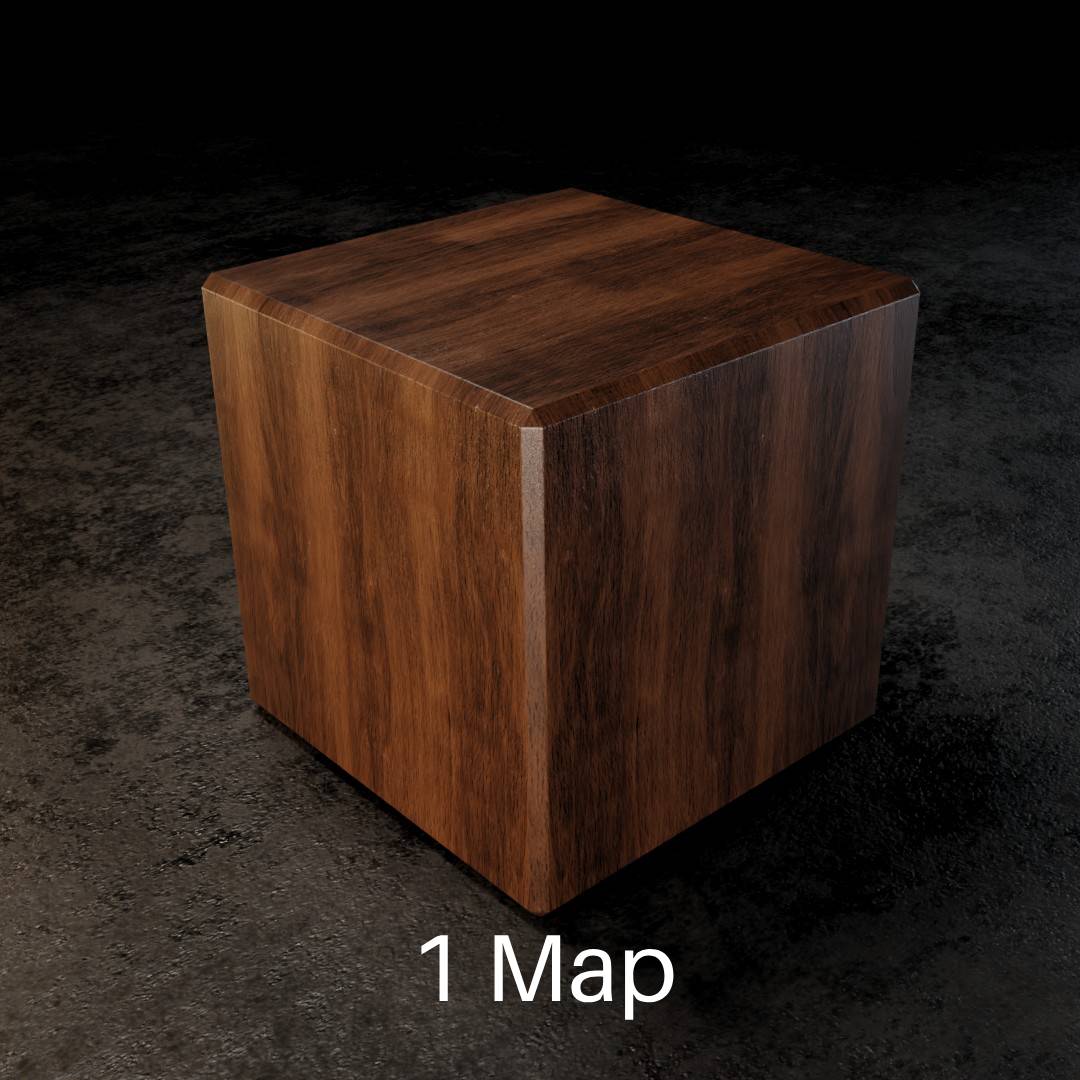
Visually identical. One quarter the texture memory.
Not a downgrade — a smarter use of resources.
One Texture vs. Four — Identical Results.
The same material, two ways: one using a full four-map PBR set, the other using a single diffuse image through Ultra-Mat.
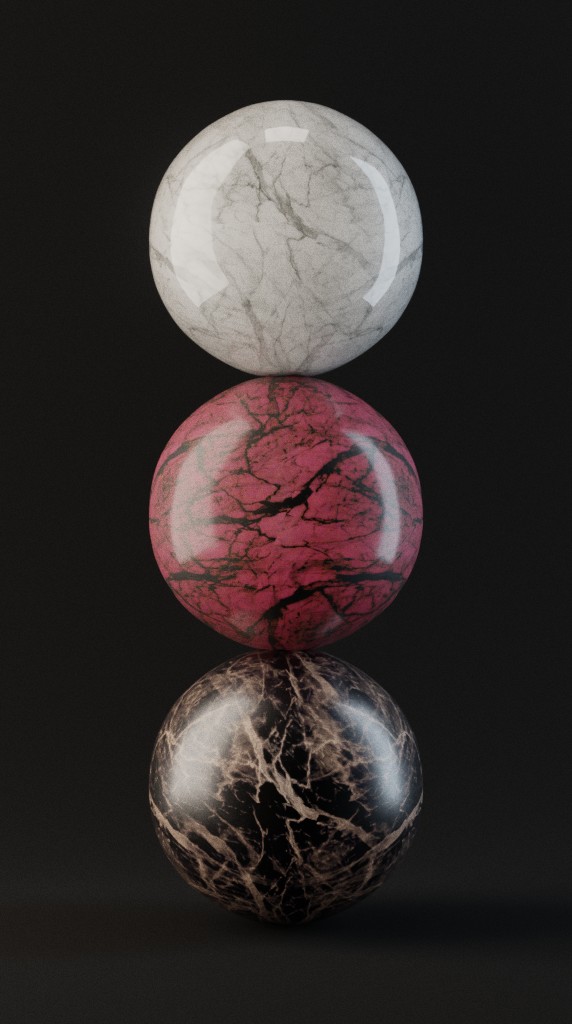
Reuse the Texture — Not the Look
One material can become many distinct materials whether a 4 texture or 1 texture material.
Using color controls, scaling, and roughness tuning, a single marble texture becomes white marble, pink marble, and dark brown marble — without re-downloading or re-authoring.
Same source. Different looks.
Build Materials You Can Reuse — Without Add-On Dependency
Materials that are powerful, editable, and fully portable.
Complex Where It Matters. Simple Where It Counts.
Ultra-Mat materials are built from well-structured shader groups — powerful, but organized so you don’t need an add-on to adjust them.
No black-box shaders. No hidden logic. All controls live inside the material.
Ultra-Mat materials are built from well-structured shader groups — powerful, but organized so you don’t need an add-on to adjust them.
No black-box shaders. No hidden logic. All controls live inside the material.
No Add-On Lock-In
The Ultra-Mat add-on is a generator, not a dependency.
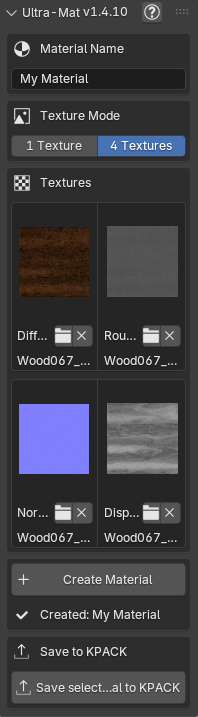
Use it to instantly convert your texture maps—whether four PBR maps or a single image—into a powerful, self-contained shader group.
Once created, the add-on is no longer needed. Every control required to refine the look is embedded directly in the standard Blender node tree.
Long-term confidence:
- Materials remain editable in the future
- They work in any Blender file
- They don’t depend on a specific tool or workflow
Your Materials. Your Library. No Limits.
Ultra-Mat isn’t about presets — it’s about creation.
Build one-off materials, whole families, or as many custom materials as you need. No artificial limits. No credits. No restrictions.
Save Them Where You Want
KIT OPS Library or Asset Browser — Your Choice
Once you've created a material, you decide how it lives in your workflow:
- Save materials to KIT OPS KPACK libraries
- Or store them in Blender's Asset Browser
- Or use both — depending on the project
Ultra-Mat doesn't dictate your pipeline — it fits into the one you already use.
Intelligent Wear
Wear That Makes Physical Sense
Ultra-Mat applies wear based on how objects actually age:
- Scratches are cut into the surface, following edges and geometry
- Dirt is layered on top of the material — not baked into the base
- Height-based dirt accumulates from the ground up, simulating dust and grime settling over time
Procedural, adjustable, and non-destructive — so you control how subtle or dramatic the story feels.
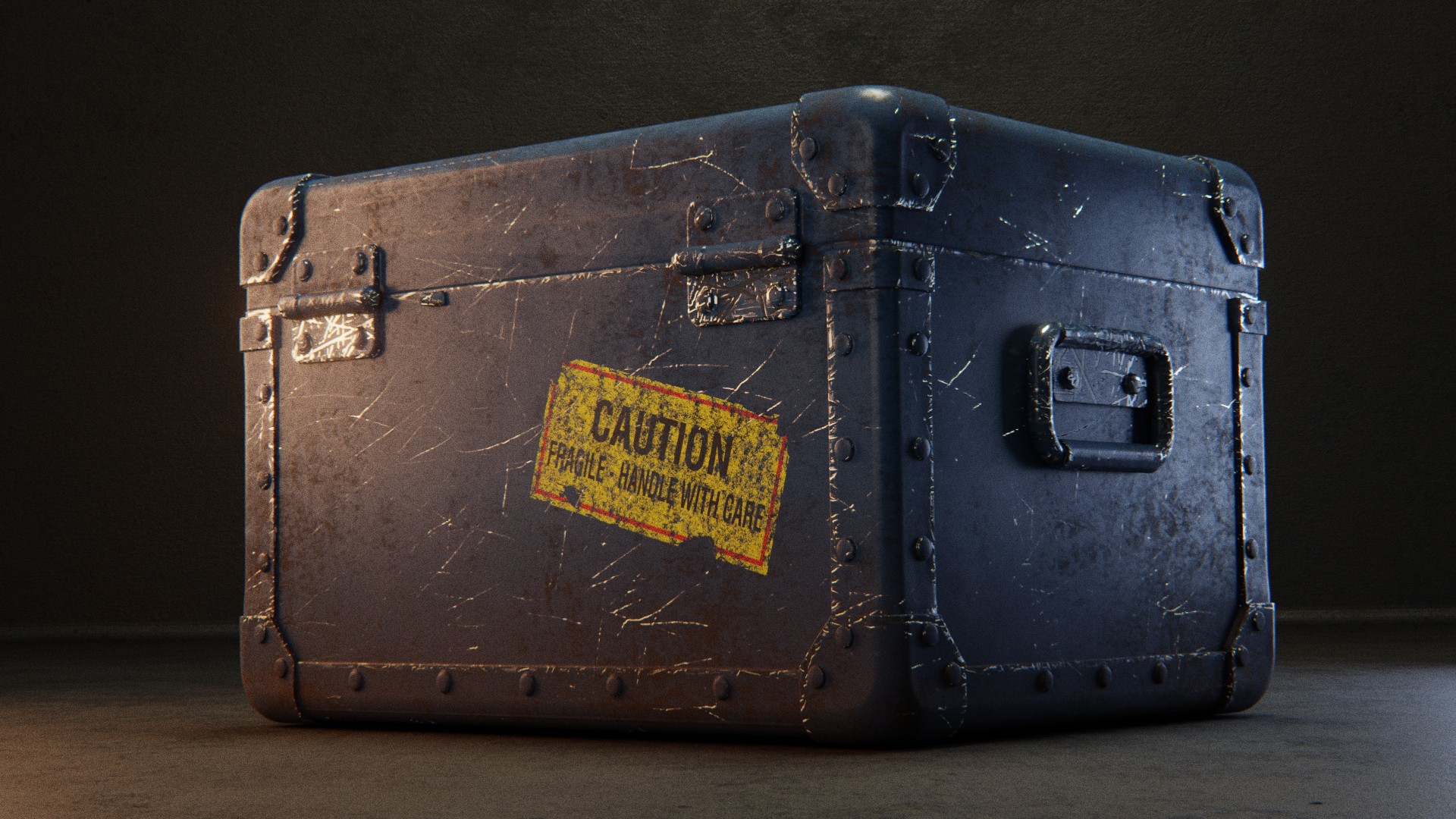
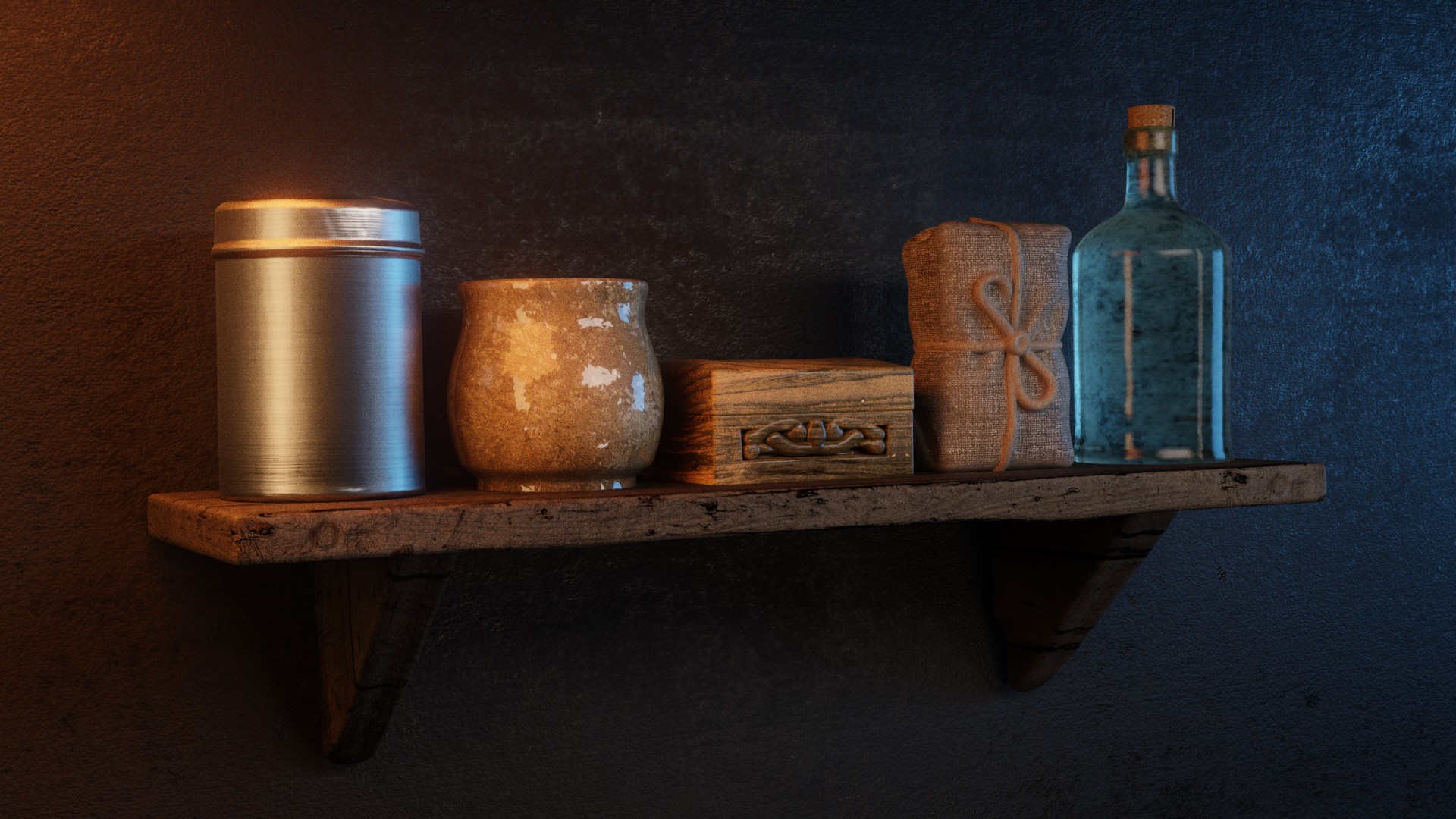
all 3D images rendered in Blender using EV+C Material System
Easy to Learn. Easy to Master.
A powerful system is only valuable if you can actually use it — and get help when you need it.
Comprehensive Documentation — From Day One
Clear, structured documentation explains how materials work, why controls exist, and how to get predictable results — from quick setup to deeper refinement.
Tutorials That Respect Your Time
Practical tutorials show real workflows (not theory) — how materials are created, adjusted, and reused in production scenarios.
Who This Is For
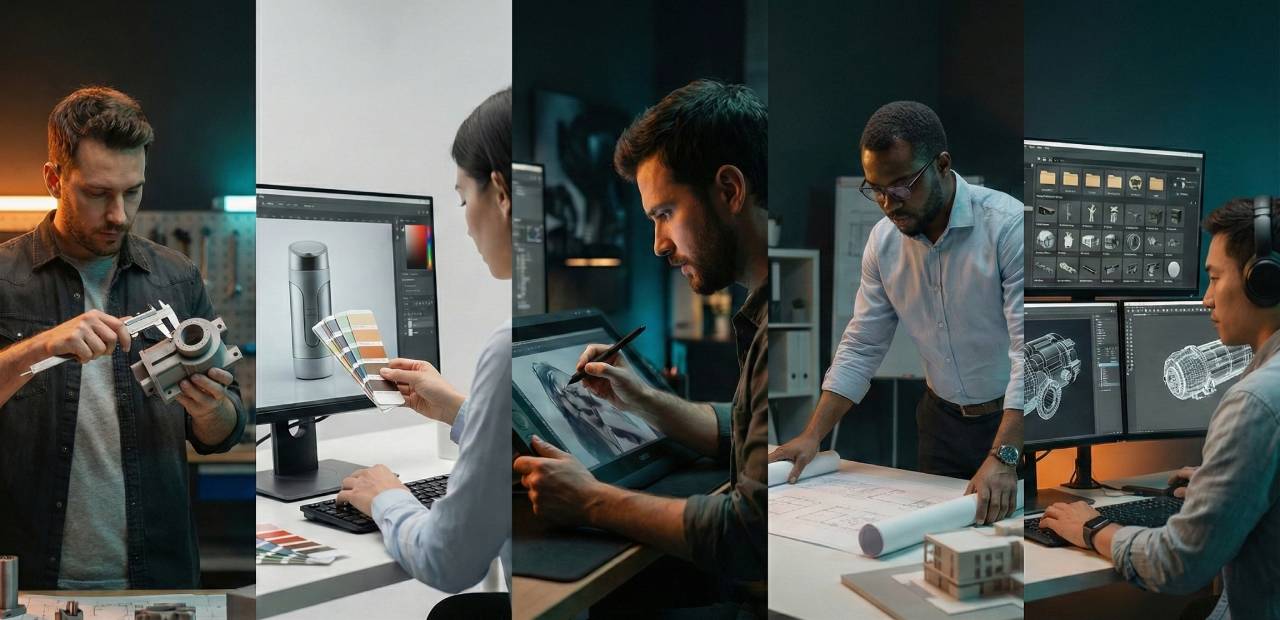
EV+C is built for artists who need photorealistic materials without the prep work.
- Industrial Designers — accurate materials for client presentations
- Product Visualization — surfaces that hold up under lighting scrutiny
- Concept Artists — fast iteration without topology perfection
- Architects — realistic finishes for renders and walkthroughs
- Kitbashers — unify materials across mixed assets
- Anyone tired of UVs — skip the prep, get the results
What You Get
Everything You Need — Nothing You Don’t
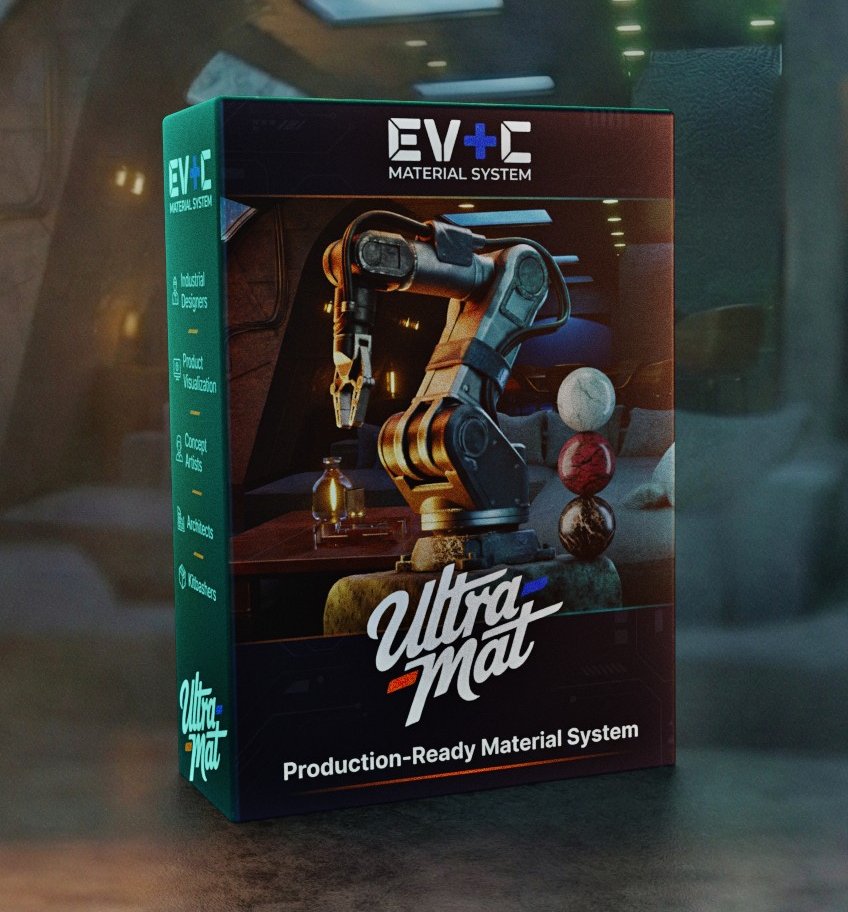
A complete material system designed to grow with your workflow.
- EEVEE + Cycles material system including access to all files online making it easy to update when new materials are added.
- Ultra-Mat addon and workflow.
- Hundreds of customized, curated, and production-ready materials
- Documentation + tutorials
You’re not buying a preset pack — you’re getting a complete, evolving material system built for real production work.
Upgrade Your Material Workflow
Spend less time fixing materials — and more time refining the look.
EV+C Material System was built for artists who care about surfaces, realism, and workflow efficiency — without unnecessary complexity or lock-in.
If you're ready to:
- Stop fighting UVs
- Make better use of free and existing textures
- Create materials you actually own and reuse
- Work with a system that respects your time
Then you're ready to join the system.

Need the legacy EV+C materials, tutorials, or videos? We’ve kept everything available for returning users and long-time artists.