

YT-DLP is a fork of YouTube-DL, a command-line video and audio downloader. I use YT-DLP because YouTube-DL stopped working for me a while back.
This is a quick install guide for my brother-in-law David, who apparently has to set up this application every other day.
Let's begin.
- Download and install Homebrew for Mac. Trust me, this package manager will make your life so much easier. Go to my quick install guide here and come back once you finish.
2. Run the following command and let it finish:
brew install yt-dlpThat's it.
Now to use YT-DLP:
- Get the URL of the video you want to download. It's better if you grab it from the share button.
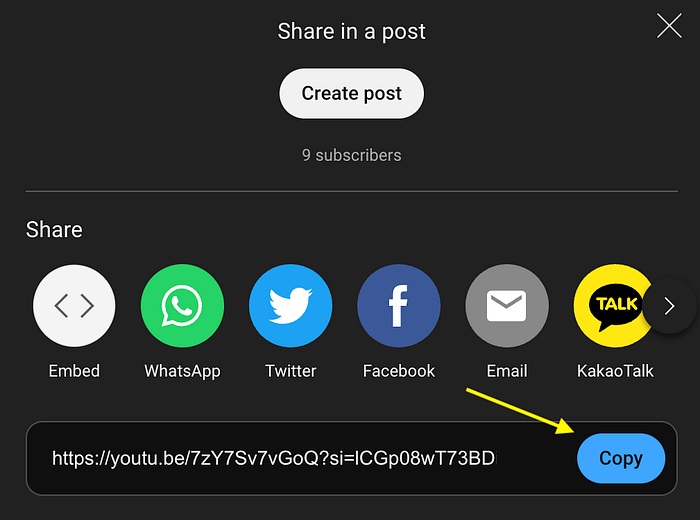
2. Then I go to the terminal and change your directory to the Desktop folder (So you know where to find the files):
cd ~/DesktopThen run the yt-dlp command (remember to add quotes to the address):
yt-dlp "https://url_you_want_to_download"It should download the highest quality available for the video in WebM format.
If you want the same in MP4 format use :
yt-dlp -f "bv*[ext=mp4]+ba[ext=m4a]/b[ext=mp4]" "https://url_you_want_to_download"If you just want audio in MP3 format:
yt-dlp --extract-audio --audio-format mp3 --audio-quality 0 "https://url_you_want_to_download"There's a cool cheat sheet with other really useful YT-DLP commands here: https://cheat.sh/yt-dlp
If you have any questions feel free to comment. Have a great day.